Getting started
Installing
The download is JV-Hou-DisplacementX-v1.0.hdalc. Put it in Documents/houdini22.0/otls/.
Delete an earlier build's file first - two files of the same node type in that folder collide.
Restart Houdini, or Assets ▸ Refresh Asset Libraries.
Both nodes appear under Tab > JV: Hou-DisplacementX (inside a copnet) and Hou-DisplacementX Heightfield (inside a geometry network).
Indie and Apprentice
The file is .hdalc, which loads in Houdini Indie or Apprentice. FX and Core can load it too, but that switches the session to limited-commercial (Indie) mode, per SideFX.
Your first map
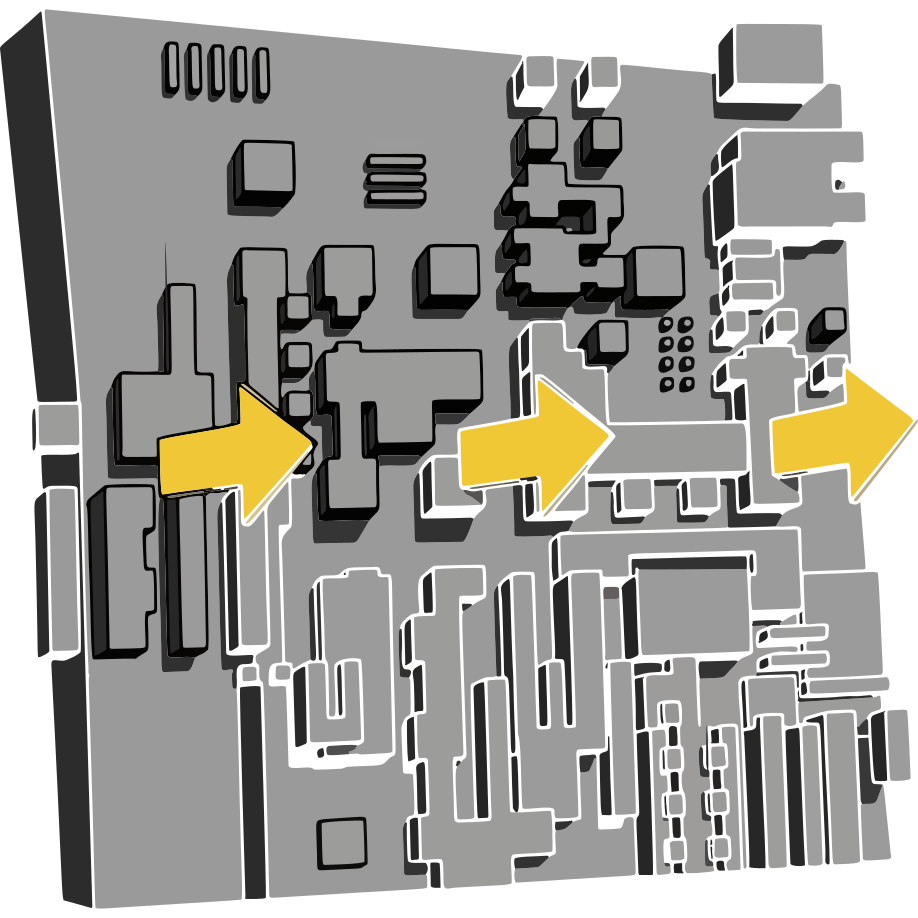
Create a COP Network, dive in, and drop Hou-DisplacementX from Tab > JV. Set it as the display node and look at height in the Composite View. Press New Seed a few times for different layouts, then Randomize All to reroll the settings. Turn on Enable Sprites to see panels appear on top of the shapes - like the web version, Sprites start off.
Your first heightfield
Drop Hou-DisplacementX Heightfield into a geometry network with nothing wired in and you already have a terrain, built from the same generator. Wire a subdivided sphere or grid into its input and the node switches to displacing that geometry instead, projected along its normals. Raise Displace Amount to see the effect grow.
If something looks wrong
- Resolution does nothing: a layer is wired into the Size Reference input, and that layer's size wins.
- Displacement barely moves the surface: the geometry is too sparse. Subdivide or Remesh it first.
- The shapes look hard-edged with no soft antialiasing: that is by design, matching the original.