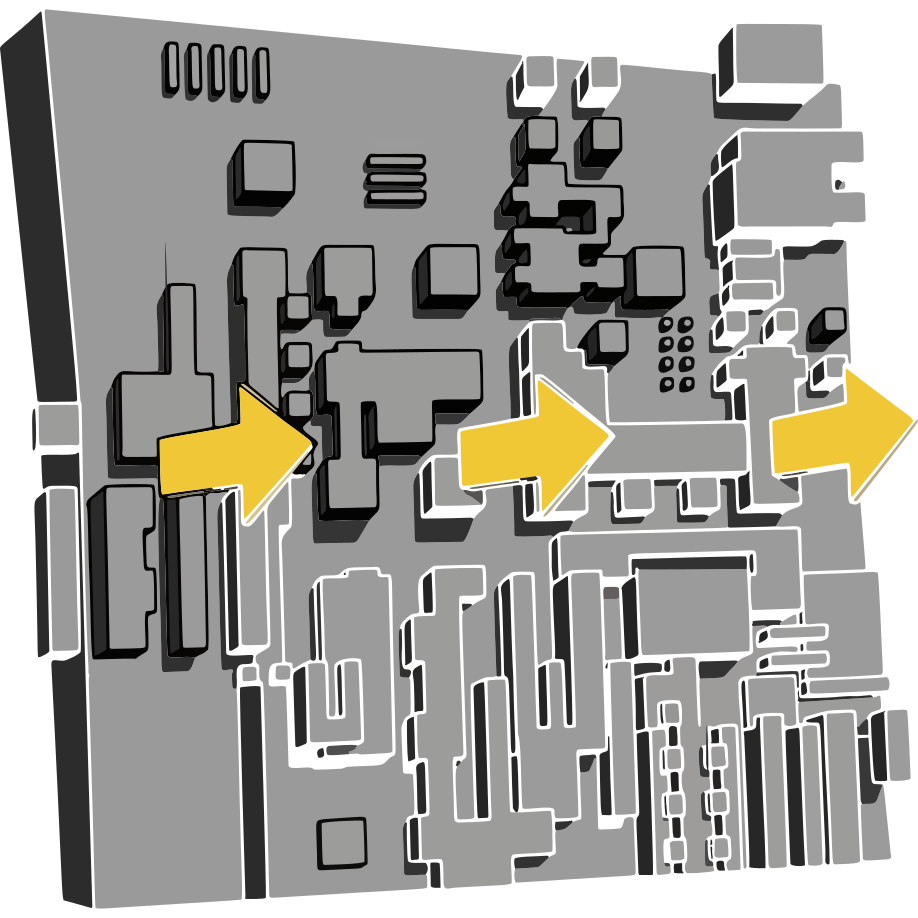
Using Hou-DisplacementX
Seed versus Randomize
Seed decides where every shape lands; every other control decides what each shape looks like. The same Seed and settings give the same map at any resolution, so a layout you like at 1024 still holds at 4096 - the web version cannot do that.
Generator
Iterations sets how many shapes get drawn, one type per iteration, at random. Background is the starting grey. Seamless wraps shapes across the edges - lines ignore it. Invert flips raised and recessed.
Shapes
Rectangles, Grid, Columns and Rows share a header checkbox, Brightness, Opacity (both Min-Max) and Scale. Grid, Columns and Rows add Amount and Gap. Lines add Width instead. A shape type left off still takes its share of the iterations, so the rest do not get denser.
Sprites
Enable Sprites is off by default. Tick one or more of the four packs - Classic, Big Data, Aggromaxx, Crap Pack - and each sprite draws from all ticked packs at once. Rotate turns each sprite a random multiple of 90 degrees about the image centre, moving it as well as turning it - on a non-square image that can land it partly off-canvas. Sprites sample a 512 px cell with no mip-mapping, so a very small one can shimmer.
Blend Modes
Every shape picks one of the ticked modes at random; none ticked means Normal. Normal alone gives clean stacked panels - Difference, Exclusion or the light modes break layers into each other. Ticking a mode never moves a shape: layout comes from Seed alone.
Outputs
Four layers: height, normal (Normal Strength), basecolor (height through Color Gradient), id (last shape touching each pixel). These names are what Houdini Engine for Unreal reads for texture types. For a Copernicus terrain, wire height into a Mono to HeightField COP; for a SOP heightfield, use the Heightfield node.
The Heightfield node
Nothing wired: a height volume and empty mask for the HeightField SOPs. Size is its width in scene units, matching the HeightField SOP's default; the other side follows Resolution's aspect. Height Scale is how tall full-white stands.
Geometry wired into Geometry to Displace: triplanar displacement along the normals, no UVs needed. Tile Size, Tile Offset, Blend Sharpness control the projection; Displace Amount how far white pushes out; Midpoint which grey stays put. Seamless is forced on. Output adds the normal, basecolor and id layers alongside the result. Show Color previews the Color Gradient - off by default, since it replaces any existing material.
Tips and traps
- Cook cost scales with iterations times pixel count - iterate at 1024, then switch up.
- The
idoutput drives per-panel variation downstream. - Lines always span the whole image; Seamless does not affect them.
- A shape type left off still costs iterations.
- Displacement only moves points that exist - dense geometry matters most.
- The first press of Randomize All in a session checks for updates.