What it actually does
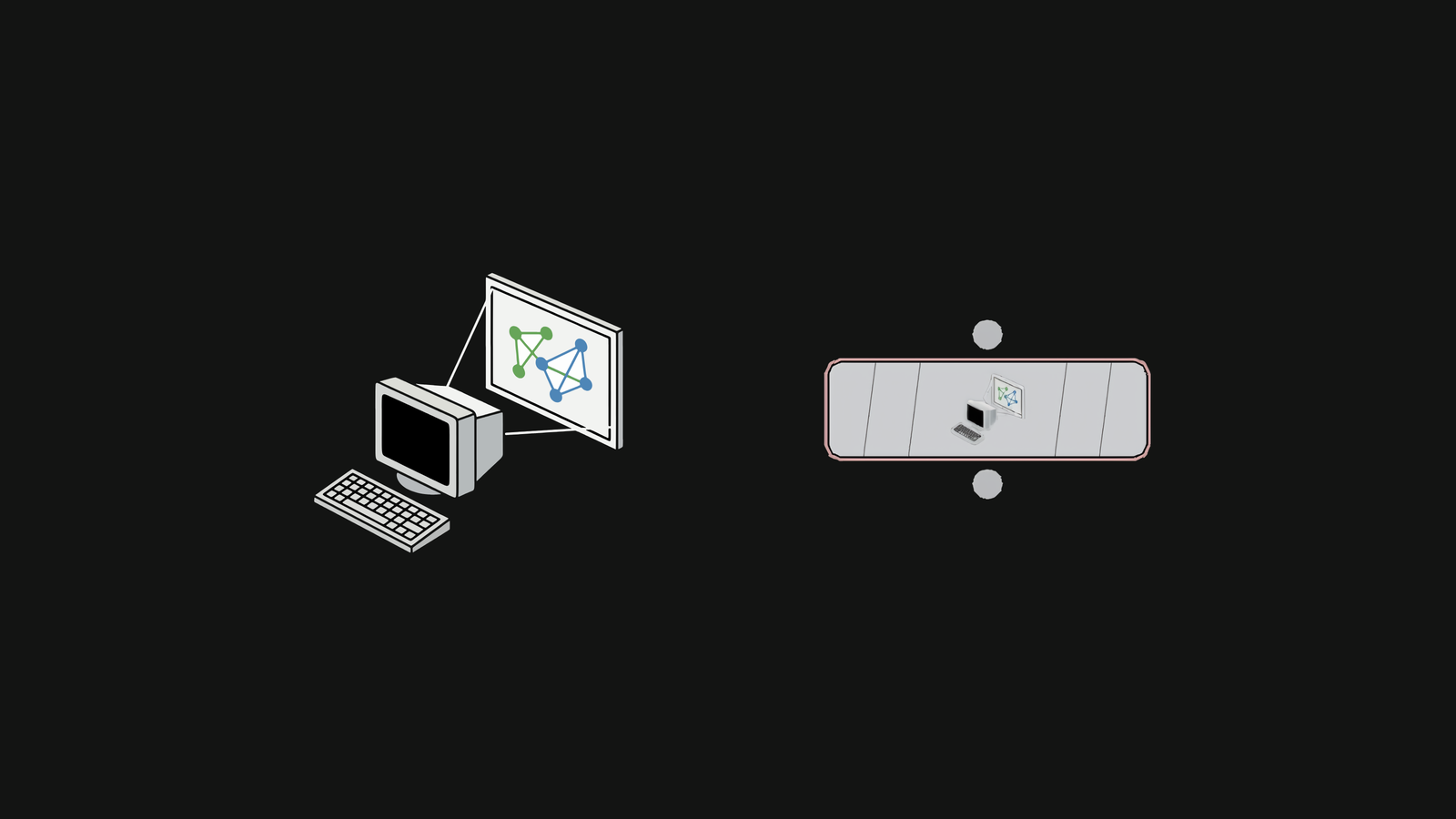
Houdini has no Perform Window. Put a Copernicus network on a projector and the only native route is the Composite View, whose menu bars and toolbars are painted inside the same GL surface as the image — so there is nothing to switch off, and no pan, no zoom, no way to aim it.
COPout draws the pixels itself. Wire a COP Network in, pick the screen, press the button, and the image goes up borderless at the network’s own resolution. Owning the window is also what buys the things the native pane never could: fit modes, flips for rear projection, a grade on the way out, and an alignment saved with the scene.
Built for the night itself — installations, live sets, projection work. Aim and focus on the test pattern before the content exists, cut to black between pieces, and let the playbar drive it.
Click to zoom
Specifications
| Version | 1.1 |
|---|---|
| Role / Category | Workflow / Live output |
| Houdini | Houdini 22.0+ |
| Platform | Tested on Windows |
| Input | A SOP-level COP Network |
| Output | A borderless window on the displays you pick |
| Ships as | Unlocked .hdalc |
| Licence | Single-user, royalty-free |
| Updates | Free for life, with in-node notice |
| Support | Discord — invite is on the node |
| Sources | 3 — the COP, the 3D view, or both |
|---|---|
| Fit modes | 4 — letterbox, crop, 1:1, stretch |
| Alignment | saved with the scene |
Click anywhere to close