
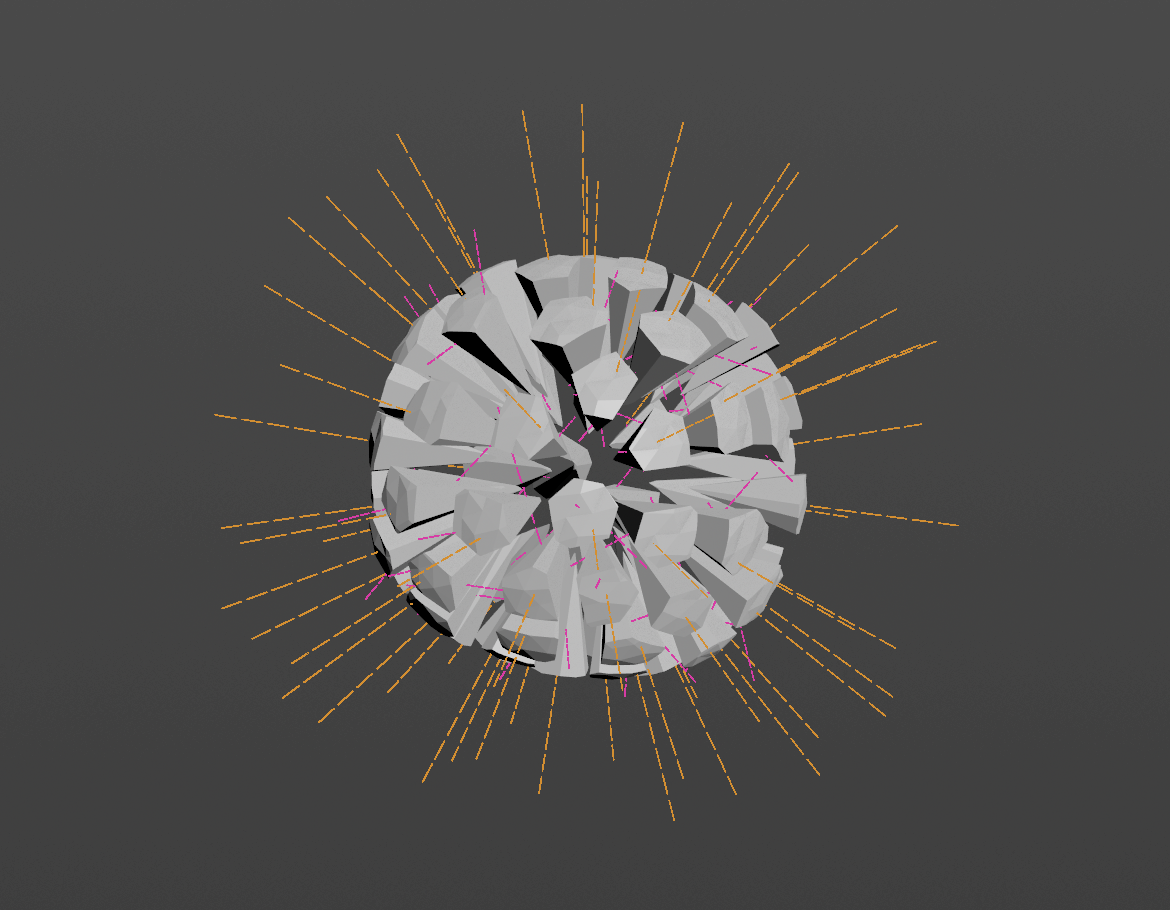
What it actually does
Every simulation in Houdini starts with velocity, and getting it right normally means a small pile of wrangles, attribute adjusts and ramps you end up rebuilding on every shot.
Advanced Velocity gathers all of that into one node, with the same set of Adjust and Mask
controls on every velocity type, and viewport guides that show you exactly what each type
is contributing. The output carries @v (or @force) and nothing else, unless you
explicitly export a sub-velocity — the guides are drawn as guide geometry and never touch
your stream.
It’s aimed squarely at the everyday cases: a wall bursting apart, debris thrown from an impact, a body blown outward in stages, a fluid pushed toward a target, pre-sim momentum handed from animation to a solve.
Click to zoom
Specifications
| Version | 1.4.1 |
|---|---|
| Role / Category | Workflow / Velocity authoring |
| Houdini | Houdini 22.0+ |
| Platform | Tested on Windows |
| Input | Any geometry with points |
| Output | Geometry carrying @v, and ballistic motion on a second output |
| Ships as | Unlocked .hdalc |
| Licence | Single-user, royalty-free |
| Updates | Free for life, with in-node notice |
| Support | Discord — invite is on the node |
| Velocity types | 6, blended on one node |
|---|---|
| Ships with | 1 sidecar node, in the same file |

Click anywhere to close